 Canadian-Owned & Operated | Your Vancouver IT Support Partner
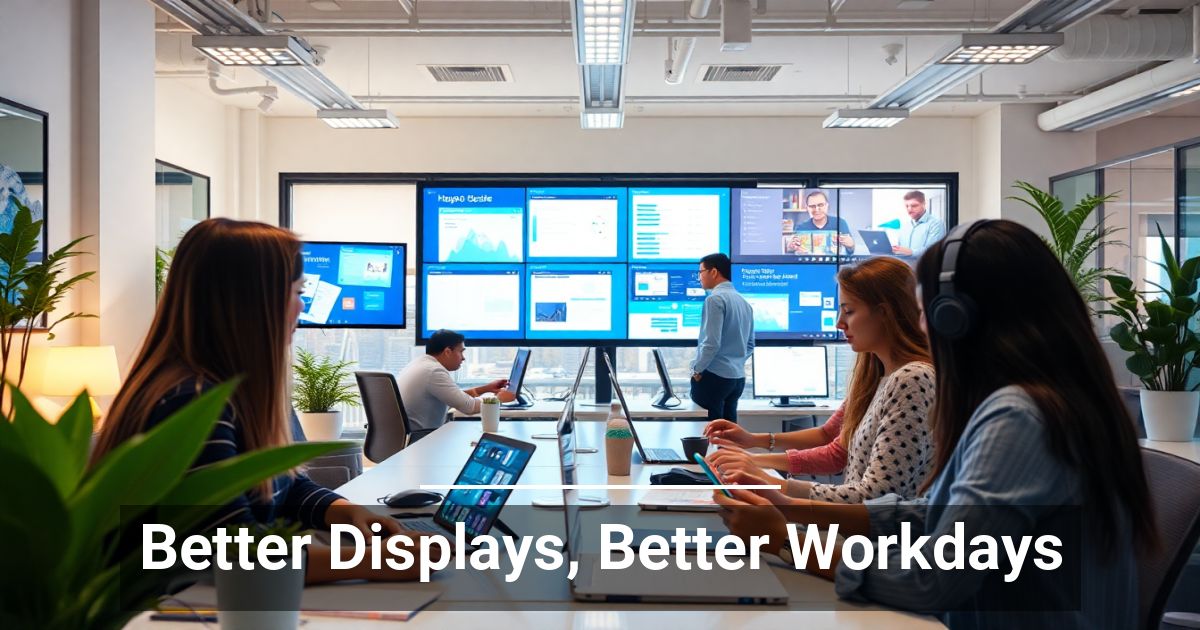 What if a simple change could enhance the way your employees operate? Many business owners overlook the impact screen technology has on daily performance. Learn why better displays for work setups can make a noticeable difference.
The Central Role of Screens in Business
We're living in the digital age, and screens have also become a staple of the modern workplace. Your team likely uses a mix of desktops, laptops, tablets, and even smartphones for their daily tasks.
This level of reliance creates many new challenges for businesses, including:
- Eye strain and fatigue from prolonged screen time
- Reduced productivity due to inefficient technology
- Output quality impacted by inconsistent colors and displays
- Increased potential for mistakes due to poor screen clarity
What Do Human-Centric Displays Look Like?
Human-centric design places people at the center of technology development, making tools intuitive, accessible, and efficient for end users.
When you apply this approach to screens and displays, you get the following results.
Adaptive Brightness
Embedded light sensors measure the surrounding ambient illumination in real time. The display's processor then automatically calculates and adjusts screen brightness based on surrounding light conditions.
Circadian-Aligned Blue Light Filtering
Evening blue-light exposure may affect circadian rhythm and sleep quality for some people, especially when screens are used late in the day. Displays with blue light filtering or color-temperature shifting can gradually warm the screen from crisp white to softer amber tones as the day progresses. While these features should not be treated as a cure for sleep problems, they may improve visual comfort and support healthier screen habits.
Auto-Ergonomic Display Design
Some premium display systems are beginning to add adaptive ergonomic features, but these remain rare in standard workplaces. Using sensors or companion software, they may suggest changes to text size, contrast, viewing distance, or posture. As AI and ergonomic hardware improve, these tools may become more common in future office setups.
Intelligent Color Optimization
This is critical for design, engineering, and creative teams relying on color accuracy without sacrificing eye health. Real-time software algorithms scan the content on the screen and adjust local contrast and color saturation. True-color rendering technologies ensure wide color gamut coverage remains accurate while softening harsh blues or glaring whites.
AI-Driven Wellness Alerts
Why not cultivate a healthy work culture by actively mitigating physical strain? Some newer displays and companion software can use cameras or sensors that utilize AI models to measure blink frequency, gaze duration, and even posture.
When the user slouches too close or stares without blinking for extended periods, an on-screen prompt suggests a break.
Adapting to a Screen-First Workplace
Better displays can support productivity, collaboration, output quality, and comfort.

